Customising WordPress is too broad to be reduced to a single choice. The same platform can support anything from a business information website built with a ready-made theme to a custom system that manages order approval chains. The difference between the two websites lies not in the platform, but in the choices made between ready-made tools and custom development.
Neither approach is inherently better. The right choice depends on the requirements of the business. Many common misconceptions about WordPress arise when one experience of a WordPress website is treated as representative of the entire platform.
This article explains where customisation takes place, how decisions are made in each area and how to choose a suitable development approach. For an introduction to the platform itself, read What Is WordPress? What Does It Mean for Your Business?.
What does WordPress customisation involve?
The business’s role in a website project is not to prescribe the technical architecture, but to explain its needs. The development company is responsible for translating those needs into technical requirements.
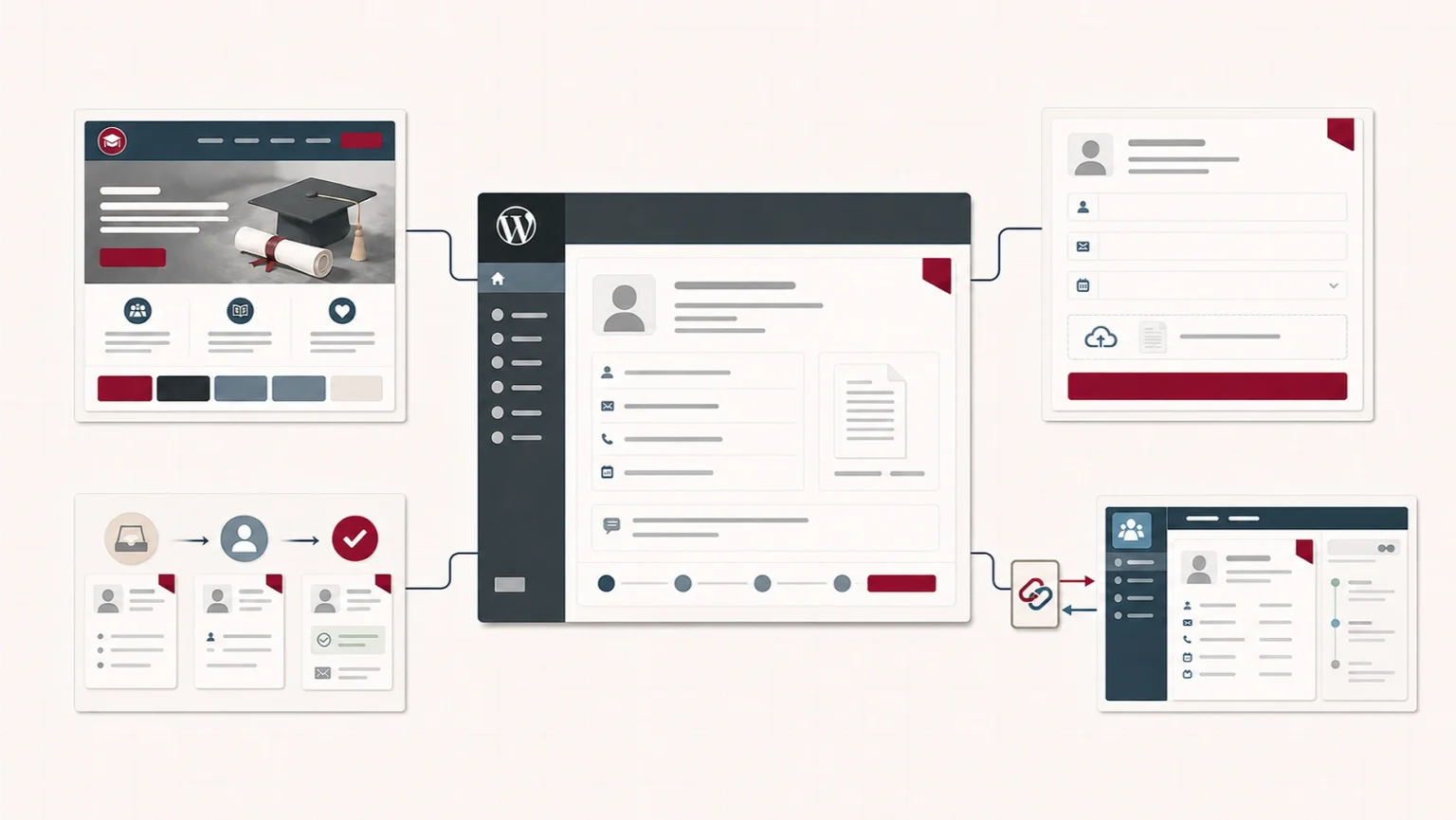
Those needs generally arise in four areas: design, functionality, workflows and integrations. Identifying which area or areas a requirement affects is the first step towards choosing a suitable approach.
Design
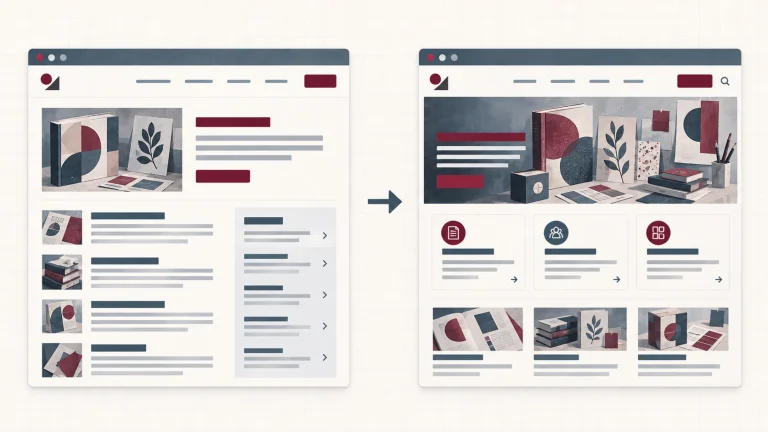
Design concerns how the website looks and how information is presented to users. Colours, typography, page layouts and the way the brand appears on screen all belong to this area.
Functionality
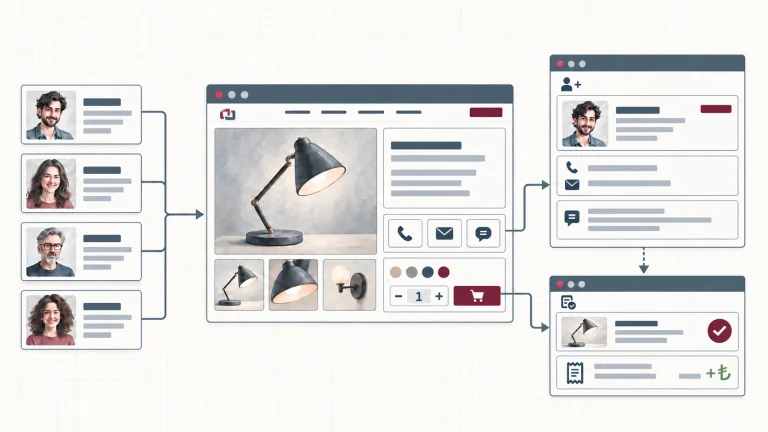
Functionality concerns the operations the website can perform, such as collecting data through a form, managing memberships, presenting a product or service catalogue, taking payments or creating bookings. Functions are the building blocks of workflows. Adding one function does not require a workflow, but a workflow requires several functions to operate in a defined sequence and under defined rules.
Workflows
Workflows concern the order and rules through which work progresses on the website. An order may move from approval to delivery, or an application may pass through review and response stages. Much of a workflow operates behind the scenes. Steps that have no counterpart in the system must be completed manually. Although workflows are managed mainly in the background, the website still needs to show users clearly what they must do at each stage.
Integrations
Integrations concern how the website interacts with external systems. The exchange of data with accounting, stock management, CRM or ERP systems belongs to this area. If data is being moved manually between two systems, there is no integration managing that flow of information.
These are separate decision areas, but one requirement may call for work in more than one of them. That does not remove the distinction between them. Saving information submitted through a form is a function. Assigning the saved application to the appropriate person, reviewing it and moving it forward according to its approval status is a workflow that connects several functions through defined rules.
Except at the extremes, most WordPress customisation is carried out through themes and plugins. The four areas do not correspond one-to-one with technical modules. They are decision areas used to classify the parts affected by a need and establish the scope of the change. The same visual change may be completed through one website’s visual builder without writing code, while another website may require changes to its theme code. Similarly, an application workflow may require both a theme change and the development of a new plugin.
When is a ready-made design no longer enough?
Ready-made themes and visual builders can meet most of a business’s design requirements. In practice, many businesses never reach the point where those options become insufficient.
That does not mean a visual builder always requires less work than developing a custom theme. Depending on the scope of the intended design, working with a visual builder may take as much time as developing a custom theme. The choice therefore needs to be made carefully.
A brand identity that does not fit established patterns, a need for distinctive interactions or a requirement for complete consistency across a design system may go beyond the options provided by ready-made tools.
The solution may be a custom theme developed for the brand or an existing theme adapted to the business’s requirements.
The time and budget required depend on the extent of the intervention. The most common mistake is to add layer after layer of custom code on top of a ready-made theme or visual builder. When the theme, builder and custom code begin to conflict, performance may fall and every update may become risky.
When is ready-made functionality no longer enough?
A business may need booking functionality, an application form, a price calculator or a membership system, yet no ready-made plugin may meet the requirement in full. A plugin may provide more than the business needs while still omitting one critical step.
If that missing step is not addressed, part of the work may move into spreadsheets, copy-and-paste operations or separate email chains. This may create unnecessary work and increase the risk of human error.
The solution is often not to develop the whole system from scratch. This is where a hybrid approach becomes useful. A small custom plugin can complement an existing plugin, or the plugin’s behaviour can be extended to fit the business. Typical examples include a business-specific form, calculator, booking option or payment method.
This type of development requires more time and regular developer support than installing a ready-made plugin. In return, the business gains functionality suited to its process and removes the related manual steps.
If this decision is avoided and plugins are simply stacked on top of one another, the burden of updates, conflicts, performance and security may grow. Every new plugin makes the website dependent on another party’s code, maintenance decisions and security practices. A vulnerability in one plugin may put the entire website at risk. As the number of plugins and overlapping responsibilities increases, update, compatibility and performance problems are also more likely to affect one another.
When do business processes become a system?
The development approach changes when the website moves beyond presenting content and begins to run the internal processes of the business. Approval chains, proposal processes, dealer or customer portals, role-based interfaces and business rules beyond content management turn the website into a software system at the centre of business operations.
At this point, WordPress is used as the foundation. Business-specific modules, user roles, status transitions and approval mechanisms are built on top of it. Exact equivalents of these systems are not available in the ready-made plugin market, while the closest options force the business into their own predefined structures. Both a custom theme and custom plugins are therefore often required at this stage. Modifying the WordPress core is technically possible, but it is not considered sound practice because it makes updates more difficult and increases the maintenance burden. When the requirements reach this point, the project needs to reconsider whether WordPress is still the right tool.
This approach requires the greatest amount of time and budget at the outset. The question is whether the long-term losses caused by not having such a system would cost more than the investment. A website or business system is a long-term investment, and its planning, design, development and testing take time. The decision should not be based on needs that may never materialise. It should be made when business processes genuinely depend on the website or when running them through the website would provide a concrete benefit.
Without such a need, adopting this approach solely because the business intends to grow may waste the investment. The system may slow the business down instead of supporting it.
When does a website need to communicate with other systems?
An integration is required when a website must keep order, stock, customer or payment data consistent with the other systems used by the business.
Without the necessary connections, data from accounting, stock management or CRM systems may have to be transferred to the website manually. This may increase the workload and lead to errors such as entering the same record twice or showing different stock quantities on the website and in the source system.
Manual data transfer is not the only issue. A well-designed integration also provides controls such as validating required fields, preventing duplicate records and keeping transaction statuses consistent between systems. Without these controls, errors may not be noticed until a later stage such as delivery or dispatch, when they are more expensive to resolve.
How much custom code an integration requires depends on how closely ready-made connectors meet the need. An integration may be simple, such as transferring stock status from a warehouse system to a WordPress website in one direction. It may also be extensive, such as making a WordPress store part of an ecosystem that includes warehouse, accounting and shipment-tracking applications.
At this point, the distinction between “WordPress” and “custom software” loses its usefulness. WordPress can provide the visitor-facing and management layers, while custom connectors handle the exchange of data with external systems.
The cost of an integration project does not arise from writing the connection alone. Analysis, testing and ongoing maintenance are also part of the scope. When an external system changes, its connectors need to be updated as well.
Integration projects often fail not because the code cannot be written, but because the system of record for each type of data and the field mappings between systems have not been established. If the direction and rules for each data transfer are not defined at the outset, a working connection may still transfer the wrong information.
Common concerns and misconceptions about WordPress
Many concerns about WordPress arise from the assumption that particular websites built with ready-made tools represent the entire platform.
- Rigidity or “they all look the same”: The widespread use of ready-made themes and particular visual builders can produce websites with a similar appearance. This results from common implementation choices, not the platform itself.
- Performance problems: Slow performance usually results not from WordPress itself, but from how the website is built and hosted. Unoptimised themes, plugins, images, database queries and insufficient server resources all play a part.
- Security concerns: WordPress attracts attempted attacks because it is widely used, but being a target is not the same as being unprotected. Security is a discipline shaped by update practices, plugin selection and access policies.
- “It is a blogging platform and cannot support large projects”: This view confuses websites built with ready-made tools with the platform as a whole. As the section on business processes explains, business-specific systems can be built on WordPress.
- Lock-in and migration difficulty: The open-source model means that a business does not need the permission of one vendor to change its hosting provider or development company. Moving to a different solution may still be easy or difficult depending on the theme, visual builder, plugins and custom data structures on which the website depends. Moving a WordPress website to another server is not the same as moving away from WordPress. The existing structure can be preserved in the first case, while the second may require data conversion and the redevelopment of certain functions. Portability therefore depends not only on the open-source model, but also on how the website was developed and whether the business controls the necessary technical access.
Choosing the right development approach
Customisation cannot be reduced to one dimension. Design, functionality, workflows and integrations are separate decision areas. Each area offers different options ranging from ready-made tools to custom development, and the project’s approach is the combination of the choices made across them.
Requirements
The business should establish the specific functionality expected from the website, the actions visitors need to complete and the part of the existing workflow that will move onto the website. The more concrete this list becomes, the easier it is to determine a suitable approach. Requirements left out of the scope on the assumption that they can be “added later” may make the development work needed at the outset appear narrower than it is.
Future plans
A simple catalogue may be enough in the short term, while dealer access or stock integration may be required later. The approach chosen today should make expected changes easier rather than more difficult. Some changes can preserve the existing structure. Changing the theme or replacing an independent plugin may be a relatively limited intervention. Poorly designed data structures and disconnected workflows, on the other hand, may require part of the website to be rebuilt during later development. The initial structure does not need to meet every future requirement; it needs to avoid obstructing the changes that can already be anticipated.
Budget and time
The approaches differ in cost and time, both during the initial setup and throughout later maintenance and development. Budget alone is not a reason to choose the lowest-cost approach. An inexpensive system that was not designed around actual needs and expected growth may lose its initial savings many times over through later problems.
Maintenance capacity
The business needs to consider who will keep the website up to date and who will provide technical support. Developing the website and maintaining it afterwards are generally separate services.
For a direct comparison between platform-based and custom-developed websites, read Platform-Based Website or Custom-Developed Website? Choosing the Right Approach for Your Business. This article covers the range between those two ends.
Frequently asked questions
Can customisation be added later?
Yes. Because every area does not need the same degree of customisation, a website built with ready-made tools can later introduce custom development in one particular area. If its data structures were designed poorly, however, the transition may cost more than establishing the right structure from the beginning.
Is a ready-made website better than custom development?
The question itself is misleading because neither option is inherently better. The right approach depends on which areas of the business’s requirements call for custom development and how much is needed.
How long does WordPress customisation take?
The timeline depends on the extent of the work. A small change made with ready-made tools may take minutes, while developing a business-specific system may take months.
Is content lost when a theme or plugin is changed?
Standard WordPress content records are generally preserved. Page layouts, settings and structures created with a visual builder may still need to be rearranged for the new theme or plugin.
Conclusion
WordPress customisation is not a yes-or-no decision. The same platform supports development approaches ranging from a ready-made theme to a business-specific system. Design, functionality, workflows and integrations are considered separately, and each decision area brings its own development requirements and costs. Complaints associated with websites built using ready-made tools do not define the platform.
TBA Yazılım’s Web Design and Development service covers identifying and implementing the approach suited to your requirements.