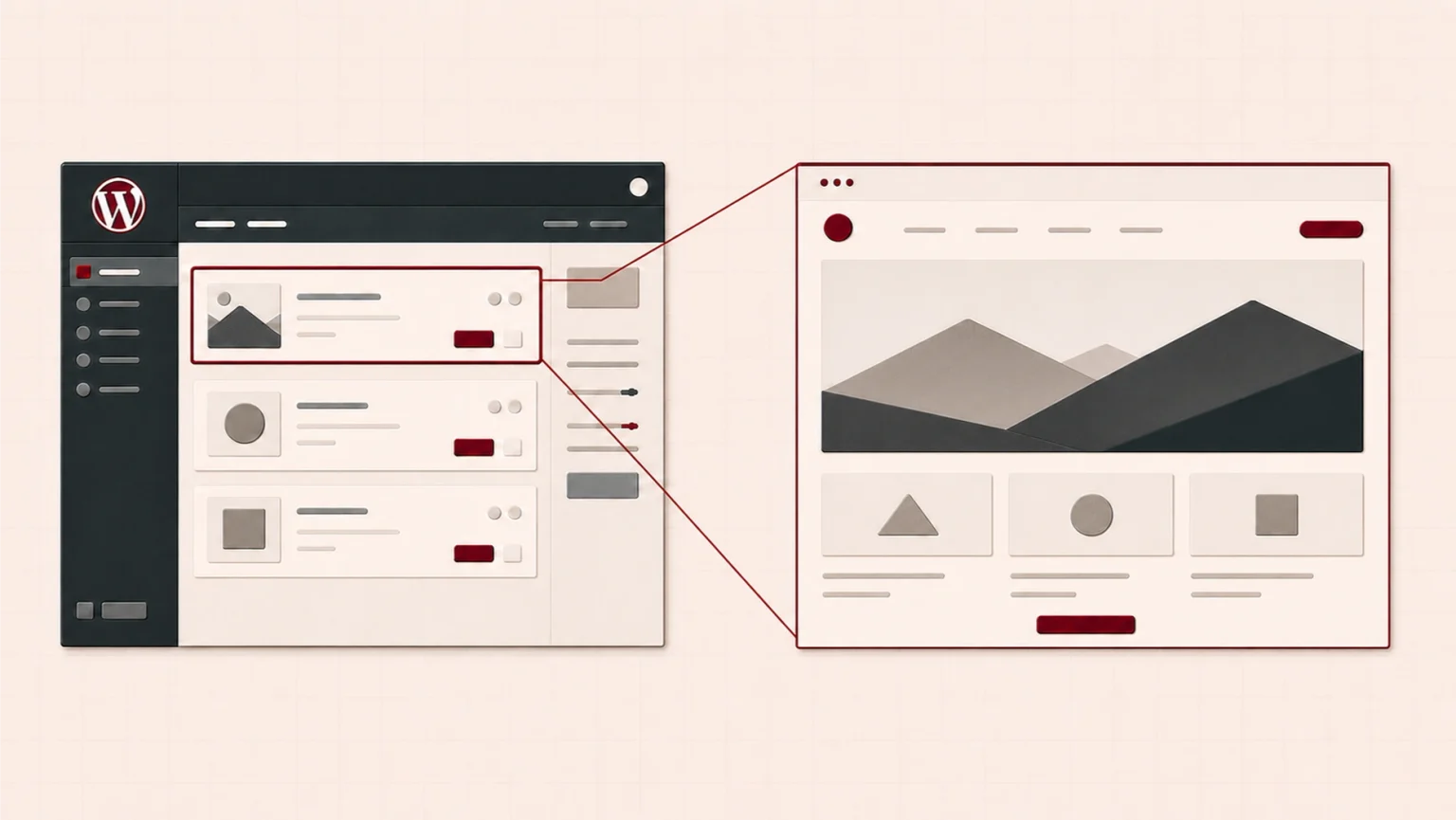
WordPress is an open-source content management system (CMS) used to manage website content. It is also a platform on which custom software can be developed. As a result, it can be used for purposes ranging from simple business information websites to systems that support complex business processes.
The name WordPress sometimes refers to two different things. The first is the open-source software itself, which is the subject of this article. The second is WordPress.com, a service that provides the same software together with hosting. This article does not cover WordPress.com.
Themes and plugins
WordPress themes
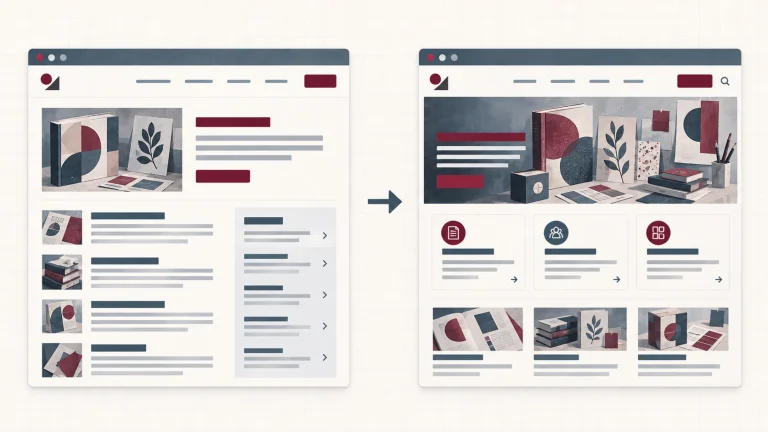
A theme provides the framework for a website’s visual design. Page layouts, colours, typography and menus are defined through the theme, while the content is managed separately. This separation has a practical advantage. When the visual identity needs to be updated, the existing content records can be preserved as the website moves to a new theme. The theme settings, page layouts and some structures created with a visual builder may still need to be reworked.
Some themes go beyond visual identity and standard page layouts by including additional functionality such as their own visual builders, SEO integrations or caching systems. Packages of this kind are especially common among premium themes. In the standard model, plugins provide the same types of functionality separately.
WordPress plugins
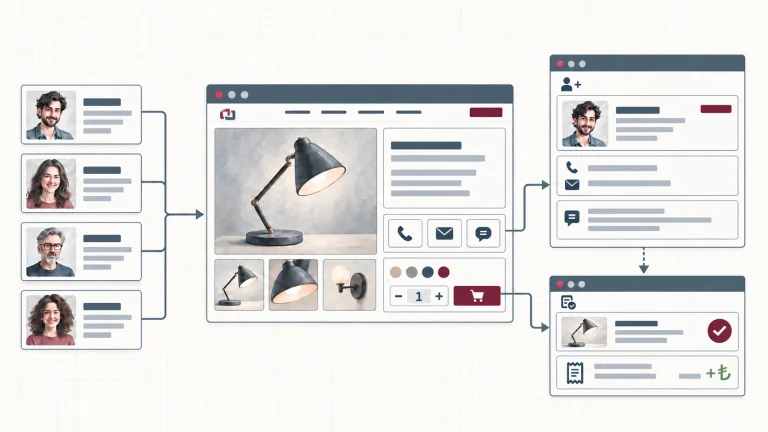
Plugins add to or change the standard functionality of WordPress. They can meet requirements ranging from contact forms and e-commerce infrastructure to booking systems and multilingual publishing. WooCommerce, for example, is a plugin that provides e-commerce infrastructure for a WordPress website.
The breadth of the theme and plugin ecosystem is one of WordPress’s most important practical advantages. Many common requirements can be met with a ready-made solution, which may reduce the setup time and starting cost depending on the project. Every plugin, however, introduces more code and another maintenance dependency. As the number of plugins grows, so do the responsibilities that need to be managed:
- Updates: Plugins that are not updated regularly may develop compatibility problems or security vulnerabilities.
- Performance: Some inefficient plugins or plugins that load unnecessary resources may reduce website performance.
- Security: A plugin whose reliability has not been established may put the website at risk.
- Long-term support: A developer may eventually stop supporting or updating a plugin.
Only plugins that meet a genuine requirement, come from a reliable source and receive regular updates should therefore be used.
Visual builders
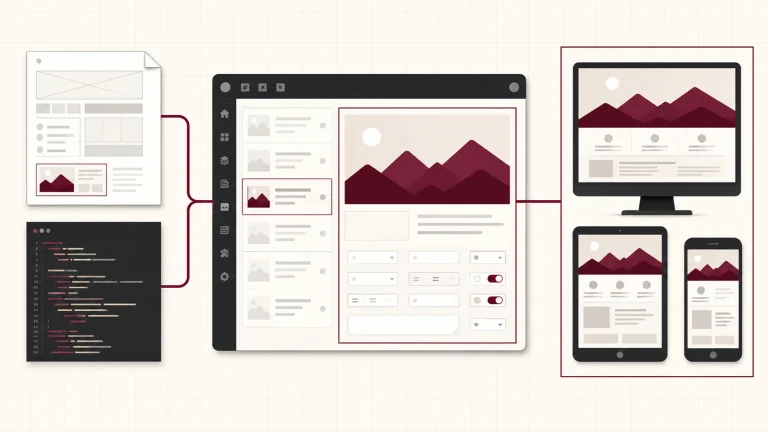
Visual builders allow pages to be designed through a visual interface. They may be bundled with a theme or provided as a separate plugin. Their drag-and-drop interfaces make it possible to place text, images and content sections within a page layout. This allows WordPress websites to be built quickly without writing code.
Modern WordPress also includes the Gutenberg block editor, which provides the foundation for block themes and can be used for similar work. Third-party visual builders are available as free, freemium and premium products. Their main distinction is not that they can produce designs that are impossible with Gutenberg. Instead, they make more ready-made components, templates and visual editing controls available from the outset. Similar results can often be achieved with Gutenberg, but doing so may require a suitable theme and blocks, additional tools or custom development. The difference lies not only in what can be built, but also in how pages are created and managed later.
The convenience of a visual builder comes with certain constraints. Once a visual builder is used, the website may become dependent on the structures and components that the tool provides. Requirements outside that structure may need custom code, and compatibility between the custom code and the visual builder must then be managed.
The performance impact also varies between tools. Some visual builders load unnecessary code and files, which may reduce website performance. Additional optimisation or greater server resources may be needed in those cases.
What does it mean for WordPress to be open source?
One of the main characteristics that sets WordPress apart from many competing services is its open-source model. Its source code is publicly available, the software is distributed under the GPL, and a business can host its website on a server of its choice. The GPL grants the right to use, modify and distribute the software under the terms of the licence. A business with the necessary technical expertise and access can therefore exercise greater control over the code.
The situation is different with platforms such as Wix, Shopify or Shopier, where hosting forms part of the service. These platforms may also support development through themes, applications, custom code or APIs. The platform provider, however, determines the scope of that development and the environment in which it operates. The business remains within the options and terms of use offered by the platform.
The open-source model and widespread use of WordPress have both played an important part in the growth of its theme and plugin ecosystem. Many paid and free ready-made solutions are available for WordPress websites, while custom solutions can also be developed on the same platform.
Development approaches used with WordPress
A WordPress project can use ready-made tools, custom development or a combination of the two across design, functionality, workflows and integrations. The overall approach is the combination of the choices made in these areas. The following approaches are not categories with fixed boundaries; they are common examples of how those choices can be combined.
Setup with a ready-made theme and plugins
This approach builds the website on a ready-made theme and plugins selected for its requirements. Ready-made tools provide the design and functionality, while visual builders allow pages to be arranged without writing code. The starting cost and setup time may be lower than with custom development.
It is suitable for businesses whose requirements can be met by ready-made tools and are expected to remain within their capabilities in the near future.
Hybrid approach
A hybrid approach uses ready-made tools as its foundation and introduces custom code for specific requirements that those tools do not meet.
It is suitable when ready-made tools can meet most of the business’s requirements but custom solutions are needed in a few areas. Connecting to an existing payment or booking system, developing a business-specific form or automating a particular workflow may all call for a hybrid approach.
Primarily custom development
With primarily custom development, the theme and a substantial part of the core functionality are created for the project. Third-party plugins are used only for supporting functions. The design, functionality and workflows can be adapted more directly to the business’s requirements while its reliance on third parties is reduced. In return, responsibility for maintaining and securing the custom code and keeping it compatible with WordPress updates moves to the technical team responsible for the project.
This approach is suitable when ready-made solutions are largely insufficient but developing an entirely separate system from scratch is unnecessary.
Using WordPress as a development platform
In this approach, the objective is no longer only to create a website. WordPress is used as a development platform as well as a content management system. Most requirements are developed specifically for the project. The WordPress administration panel and core structure remain in place, while business-specific systems are built on top of them.
This can make sense when the project requires integrations with other systems, custom workflows or functionality shaped around a particular business model. Development time, cost and maintenance responsibilities are usually greater than with the other approaches. In return, the constraints imposed by ready-made themes and plugins are reduced, and the way the website operates can be designed around the business’s processes.
Choosing the right combination
The value of WordPress for businesses lies in its ability to combine ready-made tools and custom development in different proportions within the same project. A business whose requirements can be met by ready-made tools can begin quickly with a ready-made theme and plugins. Custom development can then be used in the areas where those tools are insufficient.
The right combination depends on the requirements the website must meet and how those requirements may change. A requirement met with ready-made tools today may call for custom development when a new service, a different market or an integration with another system is introduced. Staying on the same platform does not mean that every change will be effortless. Depending on the theme, visual builder and plugins in use, some parts may still need to be redeveloped.
For a detailed comparison of the cost, flexibility and long-term responsibilities associated with ready-made, custom and hybrid websites, read Platform-Based Website or Custom-Developed Website? Choosing the Right Approach for Your Business.
At TBA Yazılım, we evaluate website projects according to the business’s requirements, current circumstances and future plans. We balance ready-made tools and custom development in terms of cost, maintenance and long-term responsibility. If you are considering a WordPress website, explore our Web Design and Development service.
Frequently asked questions
Is WordPress free?
The WordPress software itself is free. The domain name, hosting service and any paid themes or plugins create separate costs. The total cost of the website depends on these elements and the development work required.
Is WordPress secure?
WordPress releases security updates regularly, but website security does not depend on the software alone. Keeping the website up to date, choosing reliable plugins and using suitable hosting all have a direct effect on its security.
Can WordPress be used for an e-commerce website?
Yes. The WooCommerce plugin turns a WordPress website into an online store and can be used for needs ranging from small sales websites to extensive product catalogues. Custom development can be added when the requirements go beyond ready-made tools.
How many plugins should a WordPress website use?
There is no fixed number. What matters is whether each plugin meets a genuine requirement and comes from a reliable source. An unnecessary plugin creates a maintenance and security burden even when the total number of plugins is low.